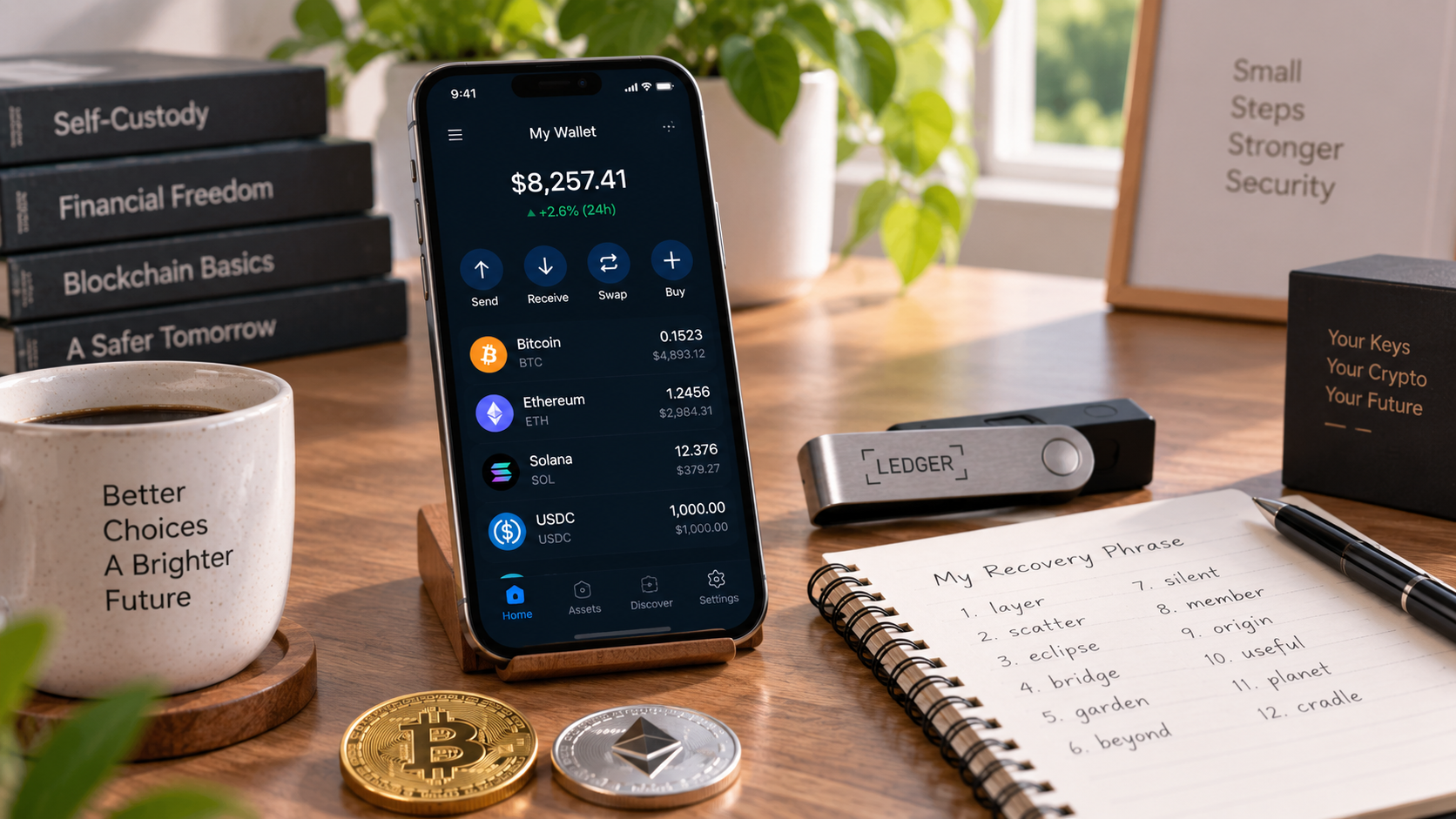
Crypto wallet setup involves more than simply installing an app or connecting a device. A wallet helps you manage the private keys or credentials used to access and authorize transactions involving cryptocurrency recorded on a blockchain.
This beginner’s guide explains how to choose a wallet, set it up safely, protect recovery information, and receive cryptocurrency while reducing common security risks.
What is a Crypto Wallet?
A crypto wallet is a tool that helps users manage the private keys or other credentials needed to interact with blockchain networks. The cryptocurrency itself remains recorded on the blockchain rather than being stored inside the wallet.
Depending on the wallet type, users may control their own private keys or rely on a custodial service to manage access on their behalf. Wallets can also provide tools for receiving, sending, and managing supported cryptocurrencies.
- Hardware Wallets: Physical devices designed to protect private keys and authorize transactions while keeping sensitive signing operations isolated from general-purpose internet-connected devices.
- Software Wallets: Wallet applications installed on a computer or smartphone. They can provide convenient access but depend partly on the security of the device and software environment.
- Browser-Based Wallets: Wallets accessed through a browser interface or browser extension. Some are non-custodial, while others may be connected to custodial services.
Crypto Wallet Setup: Step-by-Step Guide
Step 1: Choose the Right Wallet
Consider how often you plan to access cryptocurrency, whether you want to manage your own private keys, which blockchain networks you need to use, and how you plan to protect recovery information. Hardware wallets may be useful when reducing online exposure is a priority, while software wallets can provide convenient access for more frequent use.
Step 2: Download and Install
Download wallet software only from the official developer website or a verified app store listing. Check the website address and publisher carefully, because fake wallet apps and phishing sites may imitate legitimate services. For hardware wallets, follow the manufacturer’s official setup instructions and verify the device as recommended.
Step 3: Create a New Wallet
When creating a new non-custodial wallet, you may be given a recovery phrase or another recovery method that can restore access to the wallet. Follow the wallet provider’s instructions carefully and record the recovery information exactly as provided.
Never share your recovery phrase or private keys with anyone. Store recovery information securely and separately from the device you use to access the wallet, and avoid saving it in unprotected cloud storage, email, or screenshots.
Step 4: Secure Your Wallet
- Use multi-factor authentication when it is supported by wallet-related accounts or services.
- Use a strong, unique password or PIN where applicable, and do not reuse credentials from other accounts.
- Keep wallet software, devices, operating systems, and hardware wallet firmware updated through official sources.
Step 5: Add Funds
To receive cryptocurrency, use the wallet’s receiving address for the correct blockchain network and asset. Verify the address carefully before sending funds, because transactions sent to an incorrect address or incompatible network may be difficult or impossible to recover.
When using a new wallet or unfamiliar transfer process, consider sending a small test transaction first before transferring a larger amount.
Best Practices for Wallet Security
- Keep recovery phrases and private keys offline and never share them with anyone.
- Download wallet software and updates only from official or verified sources.
- Be cautious of phishing emails, messages, websites, and fake wallet applications.
- Review wallet addresses, blockchain networks, and transaction details carefully before approving a transfer.
Related Guides
Official Resources
- Ethereum.org – How to Create an Ethereum Account
- Bitcoin.org – Securing Your Wallet
- MetaMask: Safety in Web3
FAQs
Can I use more than one crypto wallet?
Yes. Some users use multiple wallets for different purposes, such as separating frequent transactions from longer-term holdings or using different wallets for different blockchain networks.
What happens if I lose my seed phrase?
If you lose your recovery phrase but still have access to the wallet, follow the wallet provider’s instructions to secure or migrate your assets. If you lose both wallet access and all valid recovery information, access to the associated cryptocurrency may be impossible to recover.
Are software wallets safe?
Software wallets can be used securely, but their safety depends on factors such as device security, trusted software, updates, phishing awareness, and how recovery information is protected. Because they operate on internet-connected devices, they may be exposed to different risks than hardware wallets.
How do I send crypto from my wallet?
To send cryptocurrency, select the correct asset and blockchain network, enter or scan the recipient’s address, review the amount and network fee, and carefully verify all transaction details before confirming. Consider using a small test transaction when sending to a new address.
Final Thoughts
A secure crypto wallet setup involves choosing an appropriate wallet, protecting recovery information, using trusted software, and carefully verifying transaction details. The right setup depends on how you plan to use cryptocurrency and how much responsibility you want for managing your own private keys.
Before transferring a large amount, become familiar with the wallet’s backup and recovery process and consider testing it with a small transaction. Good security practices are just as important as the type of wallet you choose.

 Bitcoin
  Ethereum
  Tether
  BNB
BNB  XRP
XRP  USDC
USDC  Solana
  TRON
TRON  Figure Heloc
  Zcash
Zcash
1 comment
[…] Crypto Wallet Guide […]
Comments are closed.